5 AI Image Generator Tools for Ads, Blogs, and Thumbnails
Visual content plays a decisive role in how ads perform, blogs attract readers, and thumbnails drive clicks. As content demands grow across digital channels, creators and marketers are increasingly turning to AI-powered tools to generate images quickly without relying on traditional design workflows.
Instead of spending hours sourcing stock visuals or coordinating design revisions, modern tools now allow users to describe an idea in plain language and receive a ready-to-use image within seconds. This shift has made the AI image generator category one of the most valuable additions to today’s content stack, especially for teams managing high-volume output.
From marketing creatives and social media managers to bloggers and solopreneurs, AI-driven image creation is no longer experimental—it’s practical, scalable, and increasingly refined. Below are five AI image generator tools commonly used for ads, blogs, and thumbnails, starting with invideo, followed by other notable platforms.
1. Invideo
Invideo is widely known for simplifying visual content creation, and its AI-powered image generation capabilities extend that philosophy to still visuals as well. For marketers and creators who frequently move between static images and videos, having both workflows under one roof can be especially useful.
Text-to-Image Creation Made Simple
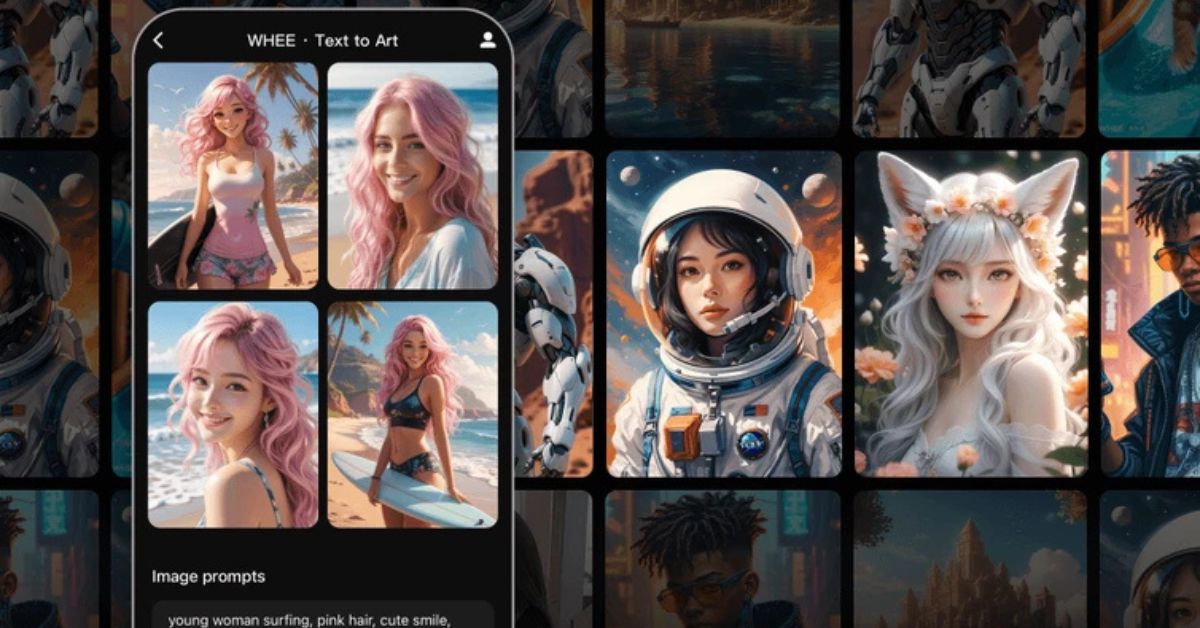
At its core, invideo allows users to transform text to image using an AI image generator built directly into the platform. You simply write a short text prompt describing your idea—such as a blog header visual, ad background, or thumbnail concept—and the system generates a high-quality image in seconds.
This approach is particularly effective for users who may not have a design background but still need visuals that align with content themes, tone, and audience expectations.
Practical Use Cases for Ads and Blogs
Invideo’s image generation works well for:
- Blog featured images that visually reinforce article topics
- Ad creatives for social platforms and display campaigns
- YouTube and social thumbnails that need to grab attention quickly
Because invideo is often used alongside AI video apps, the ability to generate consistent visuals across static and motion formats can help maintain brand cohesion without additional tools.
Rather than positioning itself as a design-first platform, invideo’s strength lies in speed, accessibility, and integration within broader content workflows.
2. Stockimg AI
Stockimg AI focuses on generating images tailored for marketing and publishing needs. It’s commonly used by marketers looking for visuals that resemble polished stock photography or illustration styles without relying on traditional stock libraries.
Designed for Marketing Visuals
Stockimg AI is frequently used for:
- Blog headers and in-article visuals
- Ad creatives for paid campaigns
- Thumbnail images for content distribution
The tool interprets prompts with an emphasis on composition and clarity, which can be helpful when images need to communicate a message at a glance.
When to Use Stockimg AI
This platform is especially suitable when you need images that feel professional and publication-ready, particularly for blogs and content-driven websites. While it doesn’t try to replace full design software, it fills the gap between generic stock images and custom design work.
3. Ninjatech AI
Ninjatech AI takes a broader approach by positioning itself as a multi-purpose AI platform, with image generation being one of its many capabilities. For users already experimenting with AI tools across writing, research, and visuals, this all-in-one setup can be appealing.
Flexible Image Generation
Ninjatech AI allows users to generate images based on descriptive prompts, making it useful for:
- Concept visuals for blog topics
- Ad imagery experiments
- Thumbnail ideas during early content planning
The output often focuses more on creativity and ideation rather than highly polished final visuals, which makes it useful during brainstorming stages.
Ideal for Early-Stage Concepts
If you’re looking to explore different visual directions before finalizing a creative, Ninjatech AI can serve as a fast ideation tool. It works well alongside other platforms that handle refinement or final production.
4. Gencraft AI
Gencraft AI is known for producing visually striking and artistic outputs. It’s often favored by creators who want their visuals to stand out rather than blend in with conventional marketing imagery.
Strong Visual Identity
Gencraft AI is commonly used for:
- Bold blog headers
- Eye-catching thumbnails
- Experimental ad visuals
The platform leans toward stylized and expressive imagery, which can help content stand out in crowded feeds or competitive niches.
Best for Attention-Driven Content
For campaigns or articles where visual impact is a priority, Gencraft AI offers more creative flexibility. While it may not always aim for realism, it excels at creating visuals that provoke curiosity and engagement.
5. Claid AI
Claid AI focuses on image enhancement and product-oriented visuals, making it especially useful for ecommerce-related content and performance marketing.
Optimized for Clean Visuals
Claid AI is often used for:
- Product images in ads
- Clean visuals for blog content
- Thumbnail images that require clarity and consistency
Instead of generating highly abstract visuals, Claid AI prioritizes clean composition and image quality.
Useful for Performance-Focused Campaigns
If your ads or blogs rely heavily on product visuals or minimalistic imagery, Claid AI can be a practical choice. It’s particularly effective when clarity matters more than artistic expression.
How AI Image Generators Fit Into Modern Content Workflows
The rise of AI image generation tools has changed how teams approach visual creation. Instead of treating visuals as a bottleneck, many creators now see them as an extension of the writing and ideation process.
In workflows that already rely on AI video apps, AI-written content, and automation tools, image generation fits naturally. A single idea can now be expressed across multiple formats—blog text, static images, thumbnails, and videos—without switching between numerous platforms.
This shift has also reduced dependency on stock libraries, allowing brands to create visuals that feel more contextual and less generic.
Choosing the Right Tool for Your Needs
Each of the tools mentioned above serves a slightly different purpose. The right choice depends on what you prioritize most:
- Invideo works well when image generation is part of a larger content creation flow involving videos and marketing assets.
- Stockimg AI suits users who want polished visuals for blogs and ads.
- Ninjatech AI is useful for experimentation and early-stage ideation.
- Gencraft AI excels at bold, creative imagery.
- Claid AI is ideal for clean, product-focused visuals.
Rather than relying on a single platform for every use case, many creators mix and match tools depending on the project.
Final Thoughts
AI image generators are no longer niche tools reserved for experimentation. They’ve become practical solutions for marketers, bloggers, and creators who need high-quality visuals at scale. As these tools continue to evolve, the gap between idea and execution keeps shrinking.
Whether you’re creating ad creatives, blog visuals, or thumbnails, using the right AI image generator can help streamline production while maintaining creative control. The key lies in choosing a tool that aligns with your workflow, content goals, and visual style—without overcomplicating the process.
Also Read: Decoding Mykphr: A Trusted Digital System Explained